
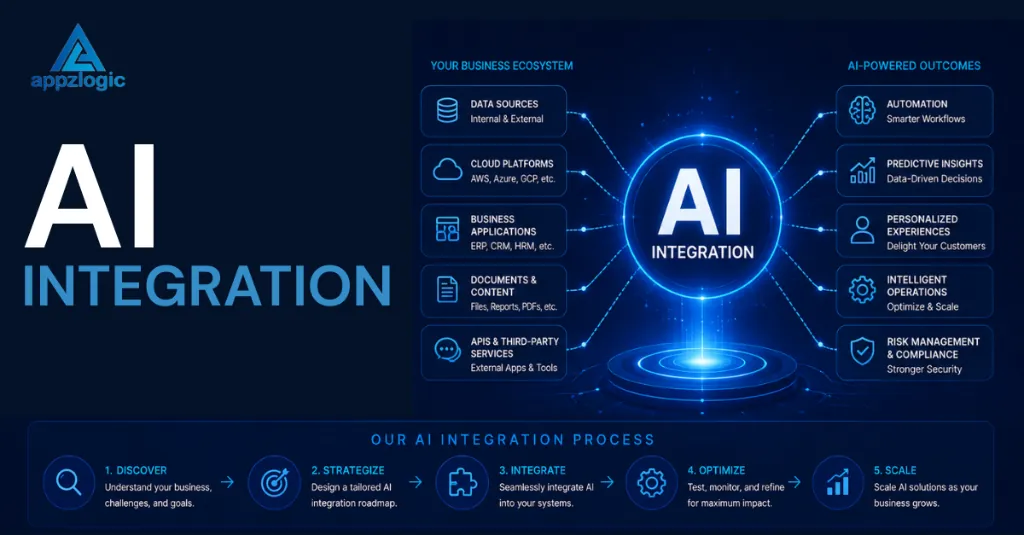
Businesses use ai workflow automation integration services to connect disparate software platforms so that tasks execute without human intervention. This setup allows your existing tools to share data and trigger actions across your entire digital ecosystem automatically.
Your specific results depend on the complexity of your current tech stack and the volume of data flowing through your systems. These factors determine whether a simple connector suffices or if you require a custom-coded API solution to bridge your platforms.
Overcoming Workflow Bottlenecks Through Automation Integration
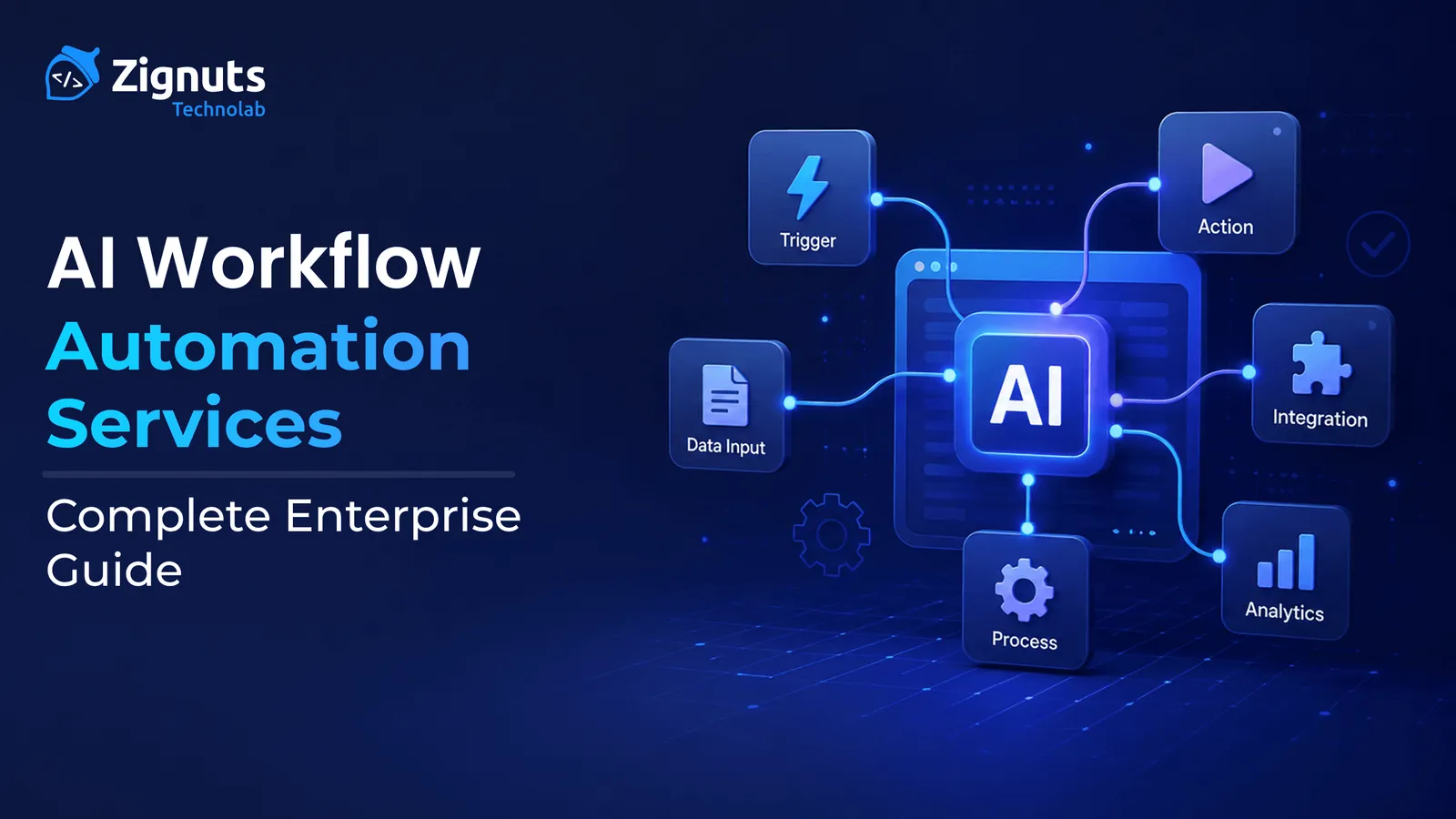
If you struggle with manual data entry between your CRM and accounting software, you’re a prime candidate for an integrated workflow. Most companies start by identifying the repetitive tasks that eat up their team’s time each week, such as syncing lead information or generating recurring invoices. You begin by auditing your current software and mapping exactly how data moves from one application to the next.
The goal is to eliminate the “human bridge” that currently copies data from one screen to another. Once you identify these gaps, you can select integration tools that act as the middle layer, allowing your systems to talk to each other.
A successful setup means that when a sale occurs in your shop, the inventory updates and the shipping label prints without a single mouse click. This shift forces you to standardize your internal data formats, as inconsistent naming or formatting will break the automation chain.
Factors Shaping Your Integration Success
The complexity of your data structure is the most significant factor in how easily your systems integrate. If your software uses standard JSON or XML formats, the process is straightforward; if your legacy systems rely on proprietary or outdated database structures, you’ll need custom middleware. You can check your software’s documentation or developer portals to see if it offers an open API, which is the standard technical requirement for modern integration.
Your choice of platforms also dictates the effort required. Some tools offer “plug-and-play” connectors for popular apps, while others require specific webhook configurations. The most common mistake businesses make is ignoring the maintenance requirements of these connections. Integrations are not “set and forget” assets; when a software provider updates their platform, your connection might need recalibration. You should always maintain a log of your active connections to see which ones trigger errors when your primary tools receive updates.
Steps for Implementing Workflow Connections
- Map your current data flow by writing down every manual step taken between two programs.
- Verify that each software platform involved offers an API or a supported webhook feature.
- Choose an integration platform—such as Zapier, Make, or a custom middleware—that supports your specific toolset.
- Set up a “trigger” event in your source application, like a new customer sign-up.
- Define the “action” event in the destination application, such as creating a new contact entry.
- Run a test batch of five to ten items to confirm the data maps correctly between fields.
- Monitor the error logs in your integration dashboard for 48 hours to catch any failed syncs.
The difference between a stable system and a failing one is the quality of your error handling. A good integration includes a notification system that alerts you when a sync fails, rather than silently dropping data. If your team lacks the time to build and monitor these bridges, you can view our social media updates to see how we handle complex systems for similar businesses.
Integration Methods and Their Demands
| Situation | Recommended Method | Effort Level | Key Consideration |
|---|---|---|---|
| Standard SaaS Apps | Native API Connectors | Low | Requires active subscription |
| Legacy Databases | Custom Middleware | High | Requires developer access |
| High Volume Data | Webhooks | Medium | Needs server monitoring |
| Internal Tools | Custom API Build | High | Requires security audits |
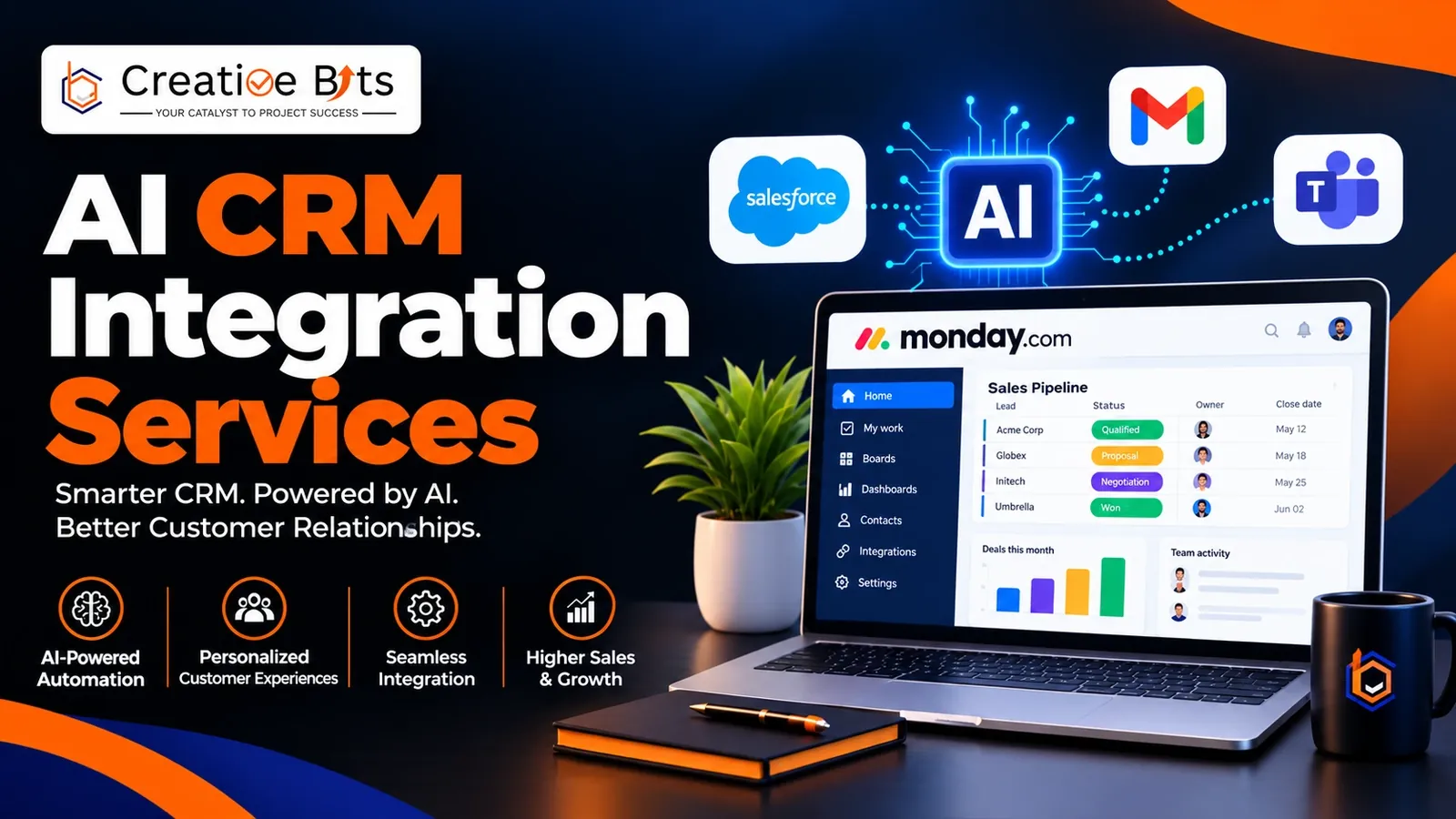
Native API connectors function best when your software stack relies on widely used platforms. These built-in bridges allow for near-instant synchronization without writing code. You simply authenticate your accounts and map the fields. However, you must maintain active subscriptions for every service involved, as any lapse in billing will immediately sever the connection and halt your automated workflows.
Custom middleware acts as a bridge for legacy databases that lack modern interfaces. This method involves building a translation layer that converts old data formats into a language your current tools understand. Because this requires deep access to your internal architecture, you need a dedicated developer to build and maintain the connection. Without this specialized oversight, the integration risks becoming a bottleneck for your entire operation.
Webhooks provide a push-based model ideal for high-volume data. Instead of constantly checking for updates, your system waits for the source to send a notification. This reduces server load significantly. You must keep a close watch on your server logs, though, as a spike in activity can overwhelm your endpoint if it isn’t configured to handle rapid-fire requests.
Custom API builds are necessary for internal tools that operate in silos. By crafting your own endpoints, you ensure that proprietary data remains accessible only to authorized workflows. This path demands rigorous security audits to prevent vulnerabilities. You must treat these connections as living software that requires regular patching and testing to remain reliable as your internal security standards evolve.
Achieving High-Quality Automation Outcomes
Focusing on Data Integrity
Experienced teams prioritize clean data before they ever turn on an automation. If your source files contain incomplete fields or duplicate entries, the integration will simply propagate those errors across your entire company. You should normalize your data naming conventions first, ensuring that every field—like “Phone Number” or “Client ID”—is stored in the exact same format across all platforms. This preparation prevents the “garbage in, garbage out” cycle that ruins many automated workflows.
Managing System Dependencies
Successful integrators know that every connection creates a dependency on an external service. If you rely on a third-party tool to bridge your CRM and email system, you must consider the stability of that third-party provider. Beginners often link too many critical systems to a single automation hub, which creates a single point of failure. You should isolate mission-critical workflows from secondary processes, ensuring that a minor update to a newsletter tool doesn’t accidentally crash your financial reporting system.
Troubleshooting Common Integration Errors
| What you notice | What it usually means | What to do first | How to stop it |
|---|---|---|---|
| Data not syncing | API token expired | Re-authenticate your account | Use long-lived tokens |
| Duplicate entries | Trigger logic loop | Check filter settings | Add unique ID checks |
| Missing fields | Mismatched data types | Map fields manually | Standardize inputs |
| Slow performance | API rate limits | Enable batch processing | Optimize trigger timing |
When data fails to sync, the issue often stems from a silent authentication failure. If your credentials have rotated or expired, the handshake between platforms breaks immediately. Always verify that your service account permissions remain active within the host application before investigating deeper code errors.
Duplicate entries frequently arise when a trigger fires multiple times for a single event. This happens if your automation platform lacks a unique identifier to recognize a record it has already processed. By implementing a “deduplication key” based on a timestamp or a primary record ID, you prevent the system from creating redundant entries.
Missing fields usually point to an underlying schema mismatch. This occurs when the source system updates its data structure without notifying the integration layer. You must manually inspect the raw JSON payload to ensure the incoming field names align perfectly with your target destination.
Finally, slow performance is rarely a sign of hardware strain. Instead, it indicates you’re hitting API rate limits. When your workflow requests data too frequently, the provider throttles your connection to preserve server stability. You can resolve this by introducing a delay between actions or grouping requests into larger, less frequent batches. This approach respects the provider’s infrastructure while ensuring your data eventually reaches its destination without triggering a total service lockout.
Rules for Digital Workflow Security
You must adhere to the data privacy standards set by your industry, such as the General Data Protection Regulation guidelines, which dictate how you store and move customer information. These rules require you to document where data is processed and ensure that your integration tools are compliant with local privacy laws.
You should check the security settings of every platform you integrate to ensure that API keys have the “least privilege” access required. This practice limits the potential damage if a single connection is compromised. If a tool only needs to read data, deny it the ability to delete or modify existing records.
Never share master admin credentials for these integrations; always create specific service accounts with limited permissions. Using a dedicated service account allows you to audit logs effectively, as you can distinguish between automated actions and human activity. This separation is vital for identifying the source of an unexpected data change.
If your business handles sensitive medical or financial data, you must confirm that the integration platform provides end-to-end encryption for every data packet. Encryption ensures that information remains unreadable to unauthorized parties even if intercepted during transit between systems.
Verify that your chosen provider maintains current SOC 2 compliance reports, which confirm their internal controls meet rigorous security standards. These documents provide the necessary assurance that your vendor handles data with the same care your internal protocols demand.
If you’re unsure about your compliance status, consult with your legal team or a qualified IT security auditor before connecting any new software to your production databases. An expert can identify hidden vulnerabilities in your architecture that automated tools might overlook during the initial setup phase.
Managing the Effort of Automation
Automation doesn’t eliminate work; it changes the nature of your effort. You move from performing manual tasks to managing the health of the systems that perform them. This shift requires a consistent time investment for auditing your connections, especially after your software providers roll out version updates. You’ll spend less time on repetitive keystrokes but more time reviewing logs and verifying that the data remains accurate.
Treat this oversight as a recurring operational expense rather than a one-time project. If you fail to monitor these automated pathways, minor API changes can lead to silent failures where data flows incorrectly without triggering an alert. Schedule a monthly review of your primary workflows to reconcile output against your manual expectations. This practice ensures that your automation remains an asset rather than a hidden source of technical debt.
The cost of these services varies based on the number of tasks or operations you run each month. Most providers offer tiered pricing that scales as your business grows. You should start with a modest plan that covers your most critical workflows to verify the return on investment before scaling to enterprise-level integrations.
Always keep a budget reserve for the initial setup phase. Custom integrations often require more configuration time than the out-of-the-box templates suggest. When your workflow involves proprietary software or legacy databases, the complexity of mapping fields increases significantly. Budgeting for extra hours during the deployment phase prevents the common mistake of abandoning a high-potential project simply because the initial integration hit a minor, predictable snag.
Maintaining Your Automated Systems
Routine maintenance ensures your workflows remain reliable as your business environment shifts. You should perform a “heartbeat” check on your most important integrations every 30 days to ensure the connections are still active and the data mapping is accurate. If you notice a sudden drop in sync frequency, check your integration dashboard first to see if an API key has expired or if a field name has changed.
When a system needs attention, don’t attempt to rebuild it from scratch immediately. Most integration platforms provide a “replay” feature that allows you to re-run failed tasks once you have corrected the underlying issue. This saves you from having to manually input data that was missed during the downtime.
If you find yourself fixing the same integration repeatedly, it’s a sign that your chosen method isn’t robust enough for your current volume and you need to look for a more stable, custom-coded alternative.
When Automation Is Not the Right Choice
You should avoid automating a process that isn’t yet stable or well-defined. If your workflow changes every week, you’ll spend more time fixing your automation than you would have spent doing the work manually. In these cases, it’s better to document the process in a standard operating procedure until the workflow stabilizes into a predictable, repeatable pattern.
Automating a moving target creates a technical debt cycle. You end up chasing broken triggers and misaligned data fields every time a team member adjusts their approach. By waiting for stability, you ensure that the logic you build remains relevant long enough to provide a genuine return on investment.
Furthermore, don’t attempt to automate high-stakes processes that require human judgment or empathy, such as complex customer conflict resolution. Automation is best for binary tasks—moving data, triggering alerts, or updating statuses—where the rules of engagement are clear and consistent.
If a task requires nuanced decision-making, keep it manual. Trying to force an AI to handle subjective business tasks often leads to costly errors that damage your reputation and frustrate your customers.
Consider the difference between a routine billing notification and a sensitive account cancellation. The former relies on fixed data points, while the latter requires reading between the lines of a client’s frustration. When you automate the latter, you lose the ability to offer the specific, compassionate exceptions that often save a business relationship. Rely on human intervention whenever a situation demands emotional intelligence or a deep understanding of unique, non-standard variables.
Frequently Asked Questions
How long does an integration typically take to set up?
Simple integrations using native connectors take 1 to 3 hours of configuration time. Complex custom builds involving legacy databases can take several weeks, depending on the availability of technical documentation and API access for your specific software environment.
Is it safe to connect my business tools?
Yes, it’s safe if you use reputable platforms and strictly follow the principle of least privilege. You should always use service accounts with limited access rather than your main administrator credentials to keep your primary system settings secure and protected.
What happens if the integration fails?
Most integration platforms pause the workflow and send an email alert to your registered address. You can then log in to the dashboard, view the error log to identify the specific field that caused the failure, and replay the task once fixed.
Does the number of tasks affect the speed of my software?
No, the integration runs as a background process and doesn’t impact the speed of your primary software interface. The sync happens via API requests that operate independently of your user dashboard, though high-volume requests can occasionally impact system performance.
How often should I review my automated workflows?
You should conduct a full audit of your active integrations every quarter to ensure they still align with your business goals. This frequency is enough to catch outdated connections or redundant processes without taking too much time away from your daily operations.
Can I automate everything in my business?
No, you should only automate tasks that follow a strict, unchanging set of logical rules. Processes that require human intuition, complex negotiation, or subjective analysis should remain manual to ensure the quality of the output and the satisfaction of your clients.
Conclusion
Start by identifying the one task that drains the most time from your team every week. Once you have that process mapped out, you can begin the integration process to reclaim those hours for higher-value work. If you find the technical setup overwhelming or need help designing a scalable architecture, One Stop IT Solutions is ready to assist you in building a seamless, automated environment for your business.